Most online shops need a small set of static ad shapes: square, portrait, landscape and a tall vertical for stories and short video feeds, plus a few banner sizes if you run display ads. Each platform sets its own sizes and rules, and they change, so check them before you design. This article is part of our Ecommerce branding: where to start guide.
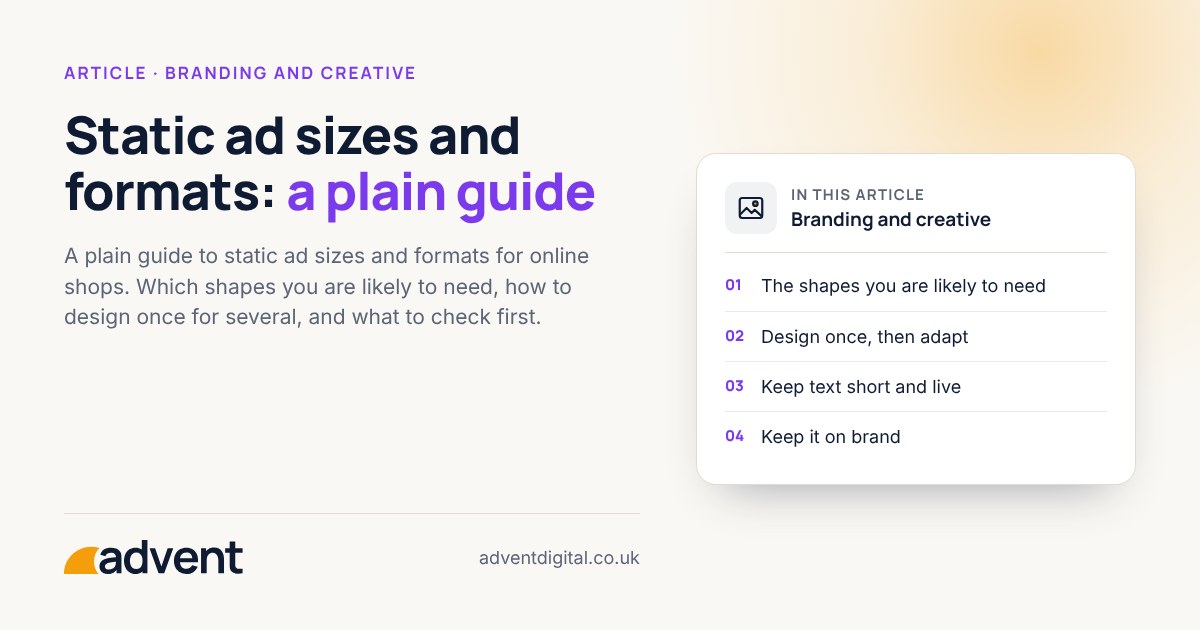
The shapes you are likely to need
- Square (1:1). A safe, widely supported shape for feeds.
- Portrait (4:5). Takes up more room on a phone screen in a feed.
- Vertical (9:16). For stories and full-screen placements, where parts of the image can be covered by the platform’s own buttons and text.
- Landscape (1.91:1). Common for link ads and search or display image assets.
- Banner sizes. Display networks use a set of standard banner shapes, from wide leaderboards to tall skyscrapers and medium rectangles.
Check each platform’s current specifications for exact pixel sizes, file types, file weight, text limits and safe zones before you export anything. We don’t list pixel sizes here because they change.
Design once, then adapt
Making every size from scratch is slow. A simpler way is to build a master design, then adapt it.
- Choose the main message, the product image and the call to action.
- Design the most demanding shape first, which is usually the tall vertical, because of its safe zones.
- Move the same elements into the other shapes, resizing and re-cropping rather than shrinking.
- Check each one by eye. Automatic resizing often cuts off products or text.
Keep text short and live
- One message per ad, in plain words.
- Keep important wording away from the edges.
- Check that the text is readable on a phone at normal size.
- Make sure there is enough contrast between text and background.
Some platforms limit or penalise the amount of text in an image. Meta dropped its old rule limiting text in images, but it still recommends keeping text short.
Keep it on brand
Use your logo, colours, fonts and image style, so ads are recognisable in a busy feed. Having brand guidelines written down makes this far easier, and the right logo version for small sizes matters too. See Logo design.
Files to prepare
- Original, high-quality product images.
- Your logo in versions for light and dark backgrounds.
- The ad copy and call to action, written once and approved.
- A named list of the sizes you need, so nothing is missed.
A quick check before you publish
- View each size on a phone.
- Check nothing important sits in the areas platforms cover.
- Read the text aloud. Is it clear in a few seconds?
- Check the file types and weights meet the platform’s limits.
- Make sure the landing page matches the ad.
From experience
Static ads are often treated as a relic next to dynamic or animated ads. But they load faster, and they can still be highly effective for a single message, such as a new product line or a promotion.
Where to get help
If you would like finished still ads in the right shapes, our static ad design service covers it.
Related services that often go with it:
- Display ads, to plan and run them across the display network.
- Google Ads, for the account the ads run in.
- Logo design, for versions that stay clear at small sizes.