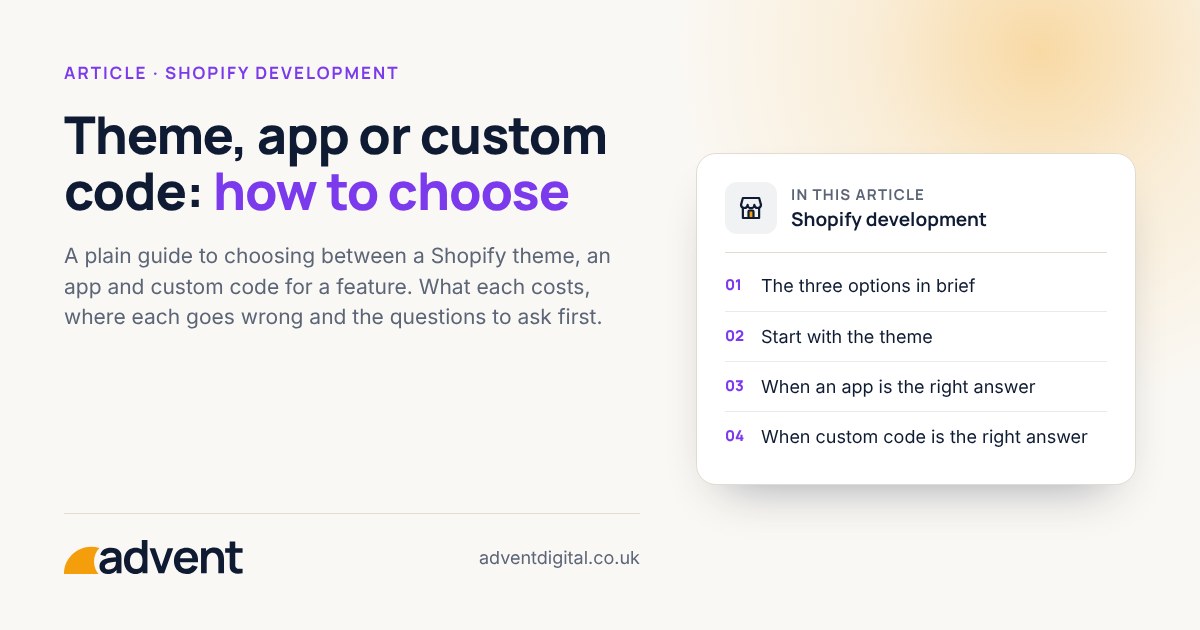
Use the theme for anything it already does well, an app for a job that is common and changes often, and custom code for what is specific to your shop or needs to be fast and tidy. Start with the simplest option that does the job, and move up only when it falls short. This article sets out how to decide. It is part of our guide to how much a Shopify store should cost.
The three options in brief
- Theme settings. The features built into your theme, changed through the theme editor. No extra monthly fee beyond the theme itself.
- An app. A ready-made tool added to your store. Quick to install, and usually charged monthly.
- Custom code. Something written for your store, either in the theme or as a purpose-built addition. Costs more at the start and is made to fit.
Current themes let you add, remove and reorder sections and blocks, and set colours and fonts, without code.
Start with the theme
Before you add anything, check whether the theme already does it. Many requests, such as an announcement bar, a size guide block or a different product layout, are a setting away. Using the theme as it was designed is the cheapest route and the easiest to keep working through updates.
When an app is the right answer
An app suits a job that many shops share and that someone else keeps up to date, such as reviews, subscriptions or back-in-stock alerts. Ask:
- Does it do exactly the job, or most of the job plus a lot you will not use?
- What does it cost each month, and what happens to the price as your orders grow?
- What does it add to page weight? Many apps load their own scripts.
- Is it still maintained, and how quickly does the supplier answer questions?
- What happens to your data and your pages if you remove it?
When custom code is the right answer
Custom code makes sense when:
- The feature is particular to how your shop works.
- An app would do it badly, or add a lot of weight for a small job.
- You would pay for the same app for years, and a one-off build costs less over time.
- You need the store to look and behave in a way no theme supports.
Custom work needs someone to look after it. Ask who fixes it if it breaks, and whether the code is documented so another developer could pick it up.
A simple way to compare
Put the options side by side for one feature:
| Question | Theme | App | Custom code |
|---|---|---|---|
| Cost at the start | Low | Low | Higher |
| Ongoing cost | None | Usually monthly | Usually none, plus any upkeep |
| Speed to launch | Fast | Fast | Slower |
| Fit to your shop | Limited | Partial | Close |
| Who maintains it | The theme supplier | The app supplier | You, or your developer |
Neither an app nor custom code is always cheaper over time. Ask for both to be priced, with the monthly cost of the app counted over a few years.
Warning signs
- Several apps doing one job. Remove the extras.
- An app for something the theme does. Check the theme first.
- Custom code nobody can explain. If the person who wrote it has gone, it is a risk.
- A theme edited so heavily that updates are no longer safe. Moving the changes into a cleaner structure may pay for itself.
From experience
Built from the concept up. A store that is secure, works properly and is set up to convert will outpace competitors where it matters.
Where to start
List every feature you want that your theme does not already offer. Next to each, write whether it is essential, useful or nice to have. Take the essential ones to a developer and ask for each to be priced as an app and as custom code. Leave the rest until the store is earning.
Where to get help
If you would like a straight recommendation for your store, our Shopify development service starts with a short conversation about what you sell and what the store needs to do.
Related services that often go with it:
- Wireframing and prototyping, to agree what each page needs before anything is built.
- SEO for ecommerce, because heavy apps and scripts can slow pages down.
- Conversion funnel optimisation, to check a new feature helps people buy.
You may also like Website essentials for a professional services firm.