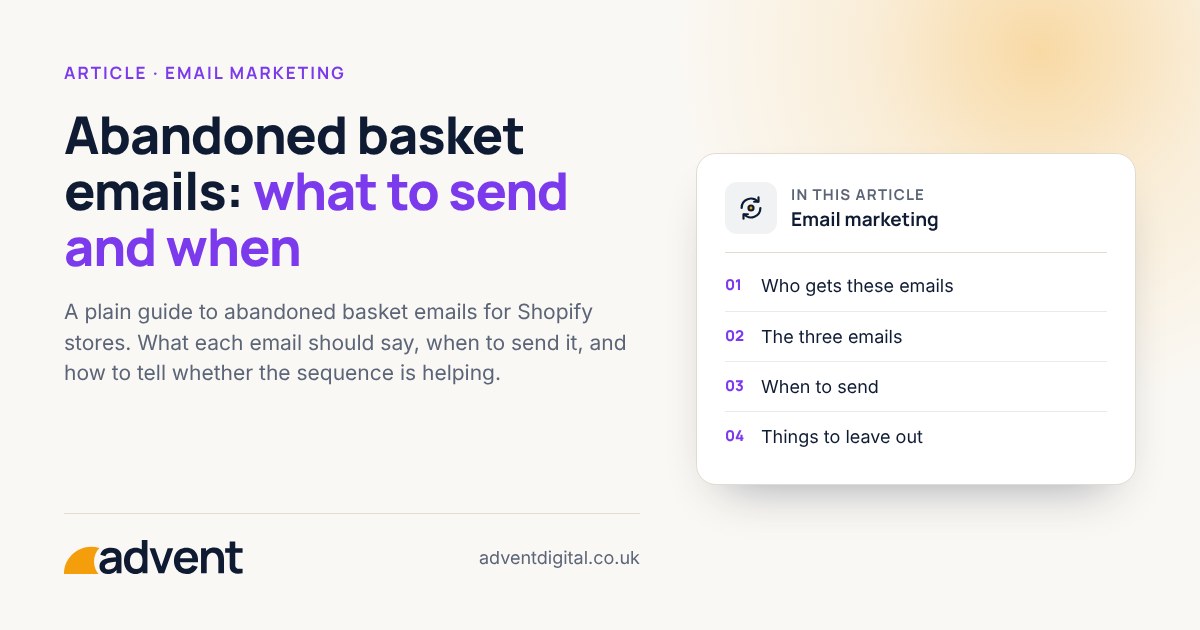
An abandoned basket sequence is a short run of automatic emails sent to people who added items but did not finish buying. Most stores do well with two or three: a plain reminder soon after, a helpful follow-up the next day or so, and at most one final nudge. Keep each one useful, not pushy. This article is part of our Shopify email marketing: a plain guide.
Who gets these emails
Only people you can contact. They need to have given you their email address, usually at checkout, and you need a lawful basis to send marketing to them.
Abandoned basket emails are generally treated as marketing. You can send them to people who agreed to hear from you, or under the ‘soft opt-in’ to people who bought from you, or were in the middle of buying, and were offered a way to opt out when they gave their email. Browsing alone isn’t enough. Every email needs an easy way to unsubscribe.
The three emails
Email 1: the reminder
Send it fairly soon after the basket is left, while the shop is still fresh in the person’s mind. Keep it short:
- Show the items they left, with images and a clear link back to the basket.
- Say plainly that they left something behind.
- Include a way to ask a question, such as a reply-to address that a person reads.
Email 2: the helpful follow-up
Send it later, perhaps the next day. Its job is to answer the questions that stop people buying:
- Delivery times and costs
- Returns
- Sizing, care or compatibility, where relevant
- A short note on who you are, for newer customers
Use whatever your own customer questions tell you. Do not guess at objections.
Email 3: the final nudge (optional)
If you send a third, make it the last. Say that you will not email again about this basket. A discount is a choice, not a rule. It can teach customers to leave baskets on purpose, so consider whether you need one.
When to send
There is no universal best timing. Start with a sensible gap between emails, then adjust using your own results. Change one timing at a time and give each change enough weeks to mean something.
Shopify’s built-in email can send an abandoned checkout reminder after a delay you choose. Platforms such as Klaviyo can also react to items added to the basket and to browsing, and let you set your own timings for each email.
Things to leave out
- Emails that repeat the same message with louder wording
- Fake urgency, such as countdowns that are not real
- Emails sent to people who have since bought
- Long sequences that feel like being chased
Check it is working
Look at these together:
- Orders and revenue from the sequence, compared with the cost of the software and the time it takes.
- Replies and complaints, which tell you when the tone is wrong.
- Unsubscribes after each email in the sequence.
- Whether your analytics and email platform agree. They count differently, so some difference is normal. Use tagged links.
Some of these orders would have happened anyway. If you can, compare against a period or group without the sequence, and be honest about what you cannot tell.
From experience
Every abandoned basket, abandoned checkout and missed upsell adds up. Often it is the difference between an online store that makes a profit and one that does not.
Where to get help
Our email automation service builds and tests flows like this one, and checks they work properly on a phone.
Related services that often go with it:
- Email campaigns, for the one-off emails that sit alongside your automatic ones.
- Email design, for layouts that match your brand and read well on a phone.
- Attribution and dashboards, to see what the sequence earns.