Microsoft Ads can be worth adding to a Shopify store once Google Ads is working, because it is a second place to reach shoppers who are already searching. It is rarely the right first step. Test it with a small, separate budget and judge it on profit, as you would any other channel. This article is part of our Google Ads and Shopping for Shopify stores guide.
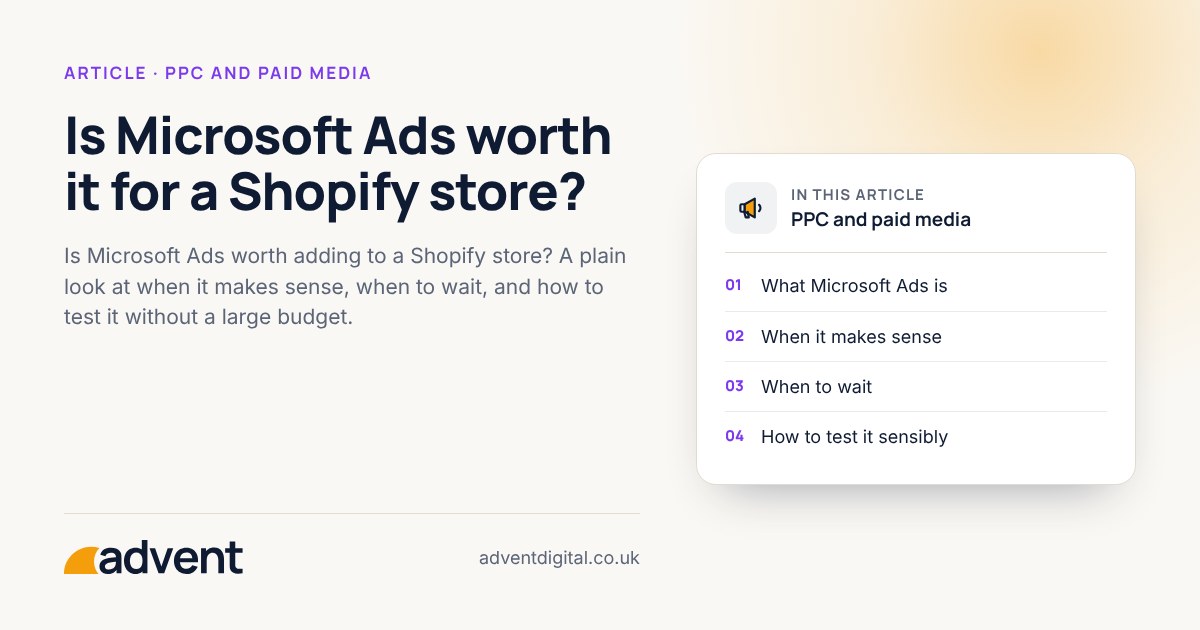
What Microsoft Ads is
Microsoft Advertising places search and shopping adverts on Bing and on partner sites. The set-up is similar to Google’s, so much of what you have already learned carries over.
Microsoft Advertising is available to UK stores, with search, Shopping, Performance Max and audience ads. Ads appear on Bing, across Microsoft’s own products and on partner sites.
When it makes sense
- Google Ads is already profitable and you want another source of orders.
- Your product feed is in good shape, so you can reuse it.
- Your own data suggests your customers use Bing or Microsoft products.
- Competition and click costs are lower than on Google for your products. Check this with your own data, because it varies by market.
When to wait
- Your Google Ads campaigns are not yet paying their way. A second channel will not fix a weak page or a thin margin.
- Your budget is so small that splitting it would leave both channels with too little to learn from.
- You cannot track orders by channel, so you could not tell whether it worked.
How to test it sensibly
- Set a small, separate budget you are comfortable treating as a test.
- Start with your best-selling products or your strongest search phrases.
- Import or reuse what already works on Google, then check it still makes sense. Microsoft’s import tool brings across Search, Shopping and Performance Max campaigns, audience ads and your Merchant Center feed. Check the settings afterwards, because they don’t always match.
- Track orders and profit from the channel on its own.
- Review after several weeks, not several days.
Make sure your analytics can separate the two channels. See Google Ads for how we treat reporting across campaigns.
What to expect, and what not to
Microsoft Ads generally reaches a smaller audience than Google, so expect lower volume. Be wary of anyone promising cheaper orders as a certainty. It depends on your products and your competitors, and the only way to know is a measured test.
From experience
In our account audits, we usually find Microsoft Ads has been treated as an afterthought. In our experience it is a largely untapped channel, and clicks often cost less than on Google.
Where to get help
Our Microsoft Ads service helps you decide whether it suits your store and sets up a clean test.
Related services that often go with it:
- Google Ads, which usually comes first and sets the pattern for your campaigns.
- Google Shopping, because a sound product feed supports shopping adverts on both channels.
You may also like How to set a Google Ads budget for a small store.