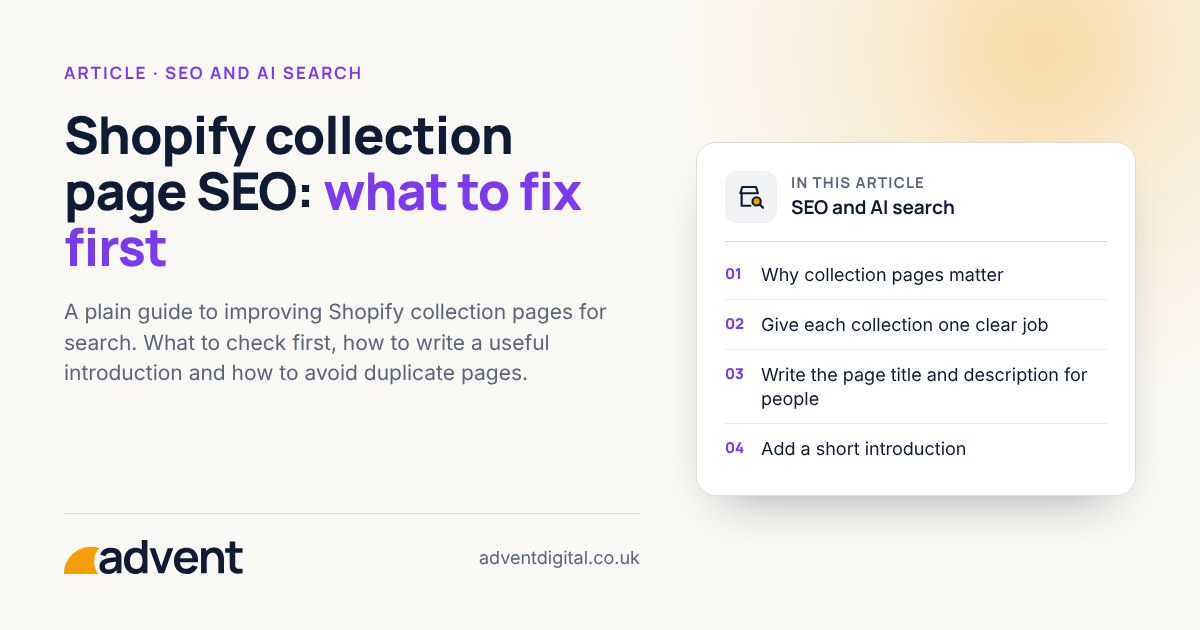
Fix the name, the introduction and the structure of each collection page first. Those three things decide whether a collection matches what shoppers type into a search box, and they cost nothing but time. This article sets out the order we would work in. It is part of our Shopify SEO: the complete guide.
Why collection pages matter
A collection page lists products that belong together, such as “women’s waterproof jackets”. Shoppers often search for a type of product before they choose a particular one, so collections tend to match broader searches than single product pages do.
1. Give each collection one clear job
Pick one main phrase per collection, using the words your customers use. Do not reuse that phrase on another page. Two pages aiming at the same phrase compete with each other.
Check each collection against these questions:
- Could a shopper tell what is inside from the name alone?
- Is there another collection or page that covers the same thing?
- Does the name match how people describe the product, not how your supplier does?
2. Write the page title and description for people
The page title is the line shoppers see in search results. Put the main phrase near the start, keep it readable, and add your brand name at the end if there is room.
The meta description does not change rankings on its own, but it is your short pitch for the click. Say what the shopper will find: range, price band, delivery or returns, if they are true.
In Shopify, you edit a collection’s page title and description in the “Search engine listing” section of that collection’s page in the admin.
3. Add a short introduction
A few sentences above the product grid help shoppers and search engines understand the page. Keep it useful:
- Say what the collection contains and who it suits.
- Mention how to choose between items, such as size, material or use.
- Link to a buying guide or a closely related collection.
Avoid long blocks of text pushed above the products. If shoppers have to scroll past a wall of words to see anything for sale, the page is worse, not better.
4. Tidy the structure
- Keep the structure shallow, so any product is a few clicks from the home page.
- Avoid many near-identical collections that only differ by one filter.
- Link to related collections from each one, using descriptive link text.
- Remove or redirect empty collections. If you retire one, redirect it to the closest relevant page.
5. Check the technical basics
Filtered and sorted versions of a collection add parameters to its address, and a page 2 adds ?page=2. Check what canonical tags your theme outputs, then check these on your own store:
- Filtered or sorted versions of a collection do not compete with the main version in search results.
- Collection pages load quickly on a phone. Heavy apps and large images are the usual cause of slow pages.
- Collections you want found are indexed in Google Search Console.
6. Make the products easy to choose from
Search brings shoppers in, but the page has to help them decide. Clear product names, good images, visible prices and sensible filters matter as much as the words on the page. If visits are not turning into orders, see our guidance on conversion funnel optimisation.
From experience
We manage, maintain and update your Shopify store’s SEO so it keeps pace with constant changes to search, and keeps your business competitive.
Where to start
Pick your five most important collections. For each, check the name, the title, the introduction and the links to related pages. Note what you changed and when, then look at the Search Console figures for those pages after a few weeks. Search is slow to respond, so judge the result over months, not days.
Where to get help
If you would like an expert to review your collections, our SEO for ecommerce service starts with a look at what is holding your store back.
Related services that often go with it:
- Google Shopping, for showing your products in shopping results.
- Shopify development, when the theme or structure is the problem.
- Conversion funnel optimisation, for turning extra visits into orders.
You may also like How AI search tools choose which stores to mention.