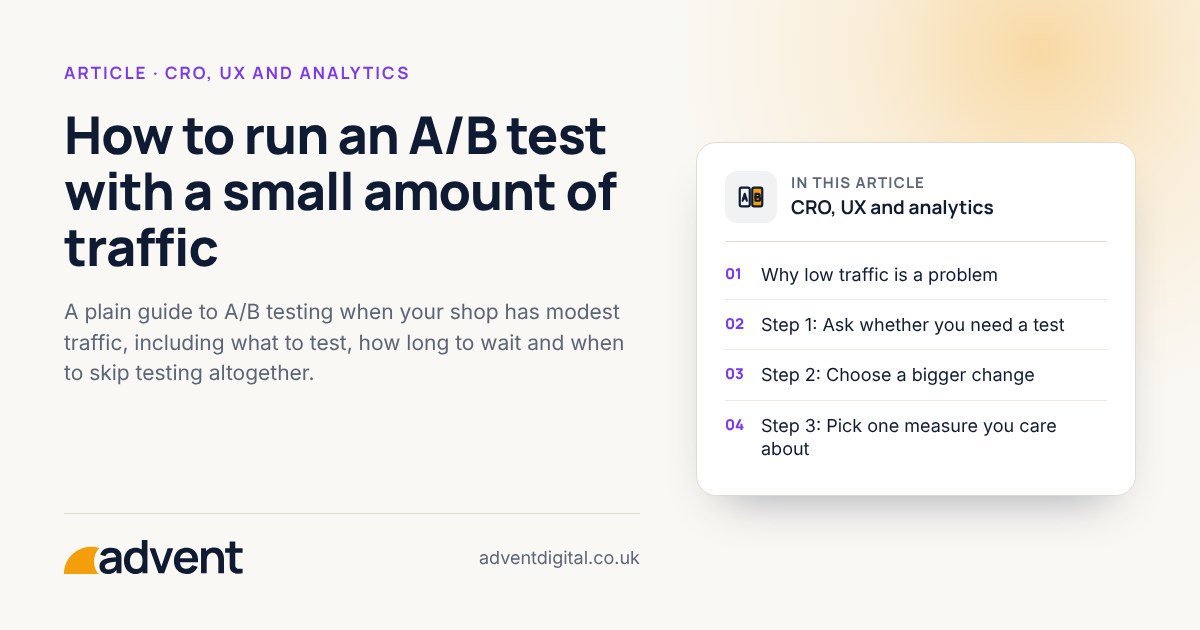
With low traffic, A/B tests take a long time to give a clear answer, and small changes are very hard to detect. Test only big, well-reasoned changes, run them for full weeks, and fix obvious problems without testing. This article is part of our Ecommerce CRO: the complete guide.
Why low traffic is a problem
In an A/B test, half your visitors see the current page and half see a changed version. If few people buy, the difference between the two groups can easily be down to chance. You may see a winner that is not real, or miss a real improvement.
To work out how many visitors or orders a test needs, use a sample size calculator, such as Evan Miller’s, with your own conversion rate. Don’t rely on a rule of thumb.
Step 1: Ask whether you need a test
Skip the test when you can see the cause of the problem. If delivery costs are hidden until the last step, or buttons are hard to tap on a phone, fix it. A test is for choosing between reasonable options when you do not know which is better.
Step 2: Choose a bigger change
Small tweaks, such as a slightly different button colour, produce effects too small to see with limited traffic. Prefer changes that could plausibly alter behaviour clearly:
- A rewritten product page layout
- A clearer delivery and returns message near the buy button
- A shorter checkout path
Step 3: Pick one measure you care about
Choose it before you begin, and write it down. Orders are the best measure, but with few of them you may need a step earlier in the journey, such as adds to basket. Be aware that an earlier step improving does not guarantee more orders.
Step 4: Decide how long to run it
- Run the test for full weeks, so weekday and weekend behaviour are both included.
- Agree the end date in advance, and do not stop early because the numbers look good.
- Avoid running during a sale, a new campaign or a stock problem that may distort behaviour.
Step 5: Read the result carefully
- Was the difference larger than normal week-to-week variation?
- Did it hold across mobile and desktop?
- Did average order value or returns move the wrong way?
If the result is unclear, treat it as “no proven difference”. That is a legitimate answer and saves you from acting on noise.
Alternatives when traffic is very low
- Before and after comparison. Make the change, then compare periods. It is less reliable, so write down anything else that changed.
- Customer feedback. Ask a handful of buyers and non-buyers what put them off.
- Watching recordings. See heatmapping to understand how people use the page.
Tools
Shopify’s own testing tool, Rollouts, can test theme changes, and checkout settings, on the Grow plan and above, without extra scripts. Tests of theme code or with finer targeting still need a specialist app.
From experience
The blue button or the red one? If you cannot decide, A/B and multivariate testing settle it with evidence. It is one of the most useful ways to improve click-through and conversion rates, as long as there is enough traffic for a fair result.
Where to get help
Our A/B testing service helps you decide what is worth testing and reads the results honestly.
Related services that often go with it:
- Landing page optimisation, for pages that receive paid traffic.
- Conversion funnel optimisation, to find where the biggest losses are first.
- GA4 setup and audits, so results are measured on sound data.