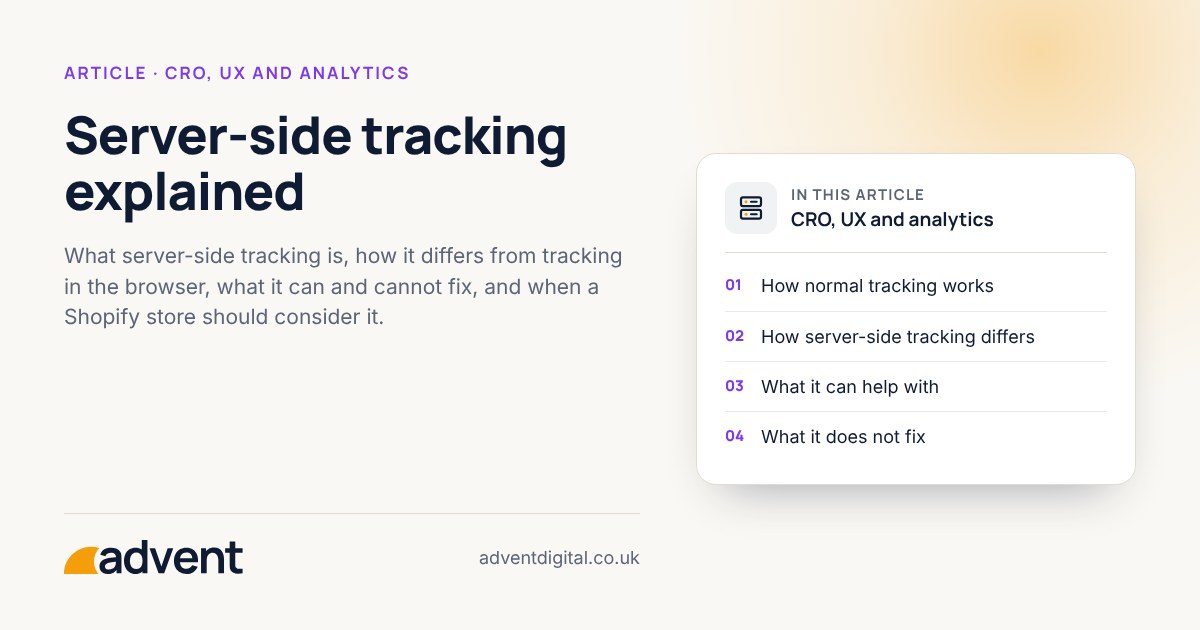
Server-side tracking sends data about what visitors do from a server you control, rather than only from their browser. It can make your data more complete and give you more control over what is shared, but it adds cost and complexity and does not replace consent. This article is part of our Ecommerce CRO: the complete guide.
How normal tracking works
With standard tracking, small scripts on your pages run in the visitor’s browser. They send details of page views, baskets and orders directly to Google, Meta and other platforms.
That is simple to set up, but it depends on the browser allowing the scripts to run and the data to be sent.
How server-side tracking differs
With server-side tracking, the browser sends data to a server first. That server, which you or a provider run, then passes the relevant details on to each platform.
- Your own endpoint. Data goes to an address on your own domain before moving on.
- More control. You decide what is forwarded and what is removed.
- Fewer scripts on the page. This can help with page weight, though the effect depends on the set-up.
What it can help with
- Missed data. Some browsers and extensions block tracking scripts. A server-side set-up may recover some of what is lost. How much is recovered varies from store to store, so measure it against your own orders.
- Data quality. Order details can be checked and tidied before they reach advertising platforms.
- Privacy control. You can limit what personal data leaves your systems.
What it does not fix
- It does not remove the need for consent where the law requires it.
- It does not repair a poor basic setup. If events are wrong or duplicated now, they will be wrong on the server too. Start with a GA4 ecommerce setup check.
- It does not make attribution perfect. Some journeys will always be hard to follow.
What it costs
Expect an ongoing hosting cost, set-up time and someone to maintain it. Hosting costs depend on your traffic and provider, so get a figure for your own store before you commit.
Is it right for your store?
It is more likely to be worth it if:
- You spend meaningfully on advertising and decisions depend on accurate conversion data.
- Your current tracking clearly misses orders compared with Shopify.
- You have a basic setup you already trust.
It is probably too early if your orders are few, your basic tracking is untidy, or nobody will look after the set-up.
Shopify’s own apps for Google and Meta already send some data from Shopify’s servers, through the platforms’ conversion APIs. Check what they cover before adding a separate set-up.
Questions to ask before you start
- What problem are we solving, and how will we know it is solved?
- Who owns and pays for the server?
- How will consent choices be passed on and respected?
- What happens to tracking if the server goes down?
From experience
With more people blocking ads and third-party cookies, server-side tracking can give your business cleaner, more accurate data.
Where to get help
Our server-side tracking service helps you decide whether it is worth it, and sets it up properly if so.
Related services that often go with it:
- GA4 setup and audits, to make sure the basics are sound first.
- Google Ads, where better conversion data can improve how campaigns are judged.
- Attribution and ROI dashboards, to bring the figures together in one place.