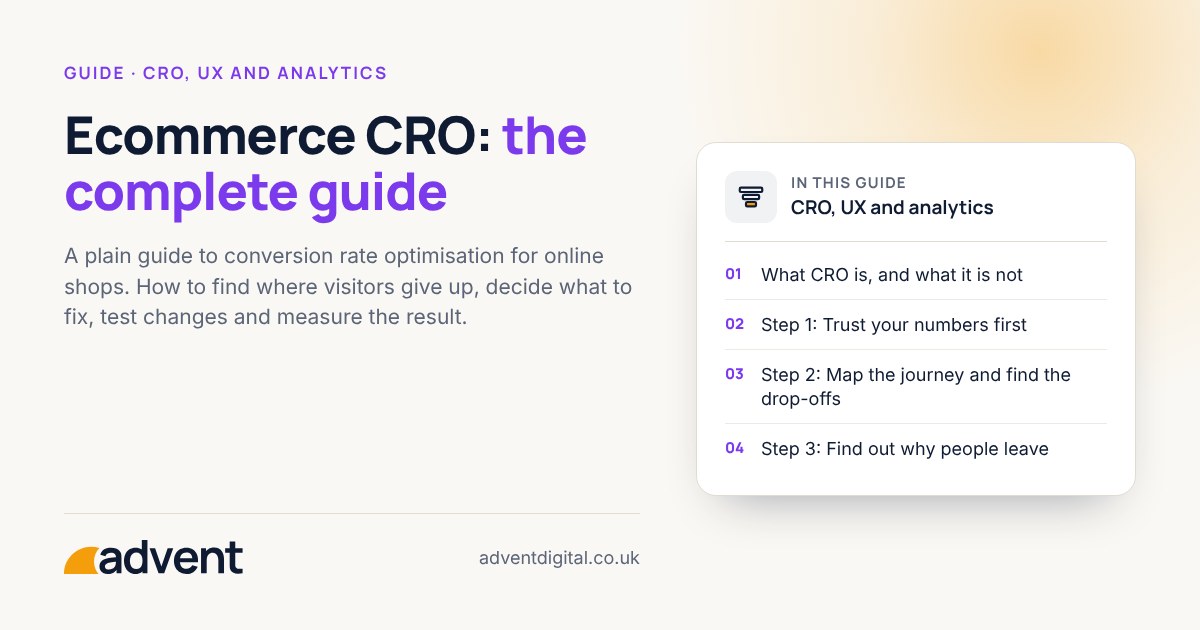
Conversion rate optimisation (CRO) means finding where visitors to your shop give up, fixing the biggest causes first, and checking that each change helped. Start with sound tracking, look at the journey from first visit to paid order, and change one thing at a time. This guide explains each step in the order we would work through them.
What CRO is, and what it is not
CRO is a habit of looking at evidence, making a considered change and measuring the effect. It is not a list of tricks, and it is not a promise that one button colour will transform your sales.
- It is about visitors you already have. More traffic helps only if the shop turns visits into orders.
- It is not only testing. Most early gains come from fixing obvious problems, not from running experiments.
- It has limits. A weak product, unclear pricing or poor delivery terms cannot be fixed by page design alone.
Step 1: Trust your numbers first
You cannot improve what you cannot measure. Before changing anything, check that your analytics records the key actions correctly: product views, adding to basket, starting checkout and completing an order.
- Compare orders and revenue in your analytics with those in your Shopify admin. Small differences are normal. Large ones need explaining.
- Check that your own visits and test orders are not counted.
- Make sure each step of the journey is recorded, so you can see where people drop out.
See GA4 setup and audits if you are not sure your tracking can be relied on. GA4’s recommended ecommerce events run from view_item to purchase, and Shopify’s Google & YouTube app sends them.
Step 2: Map the journey and find the drop-offs
Write down the path a buyer takes: landing page, collection, product page, basket, checkout, confirmation. Then look at how many people reach each step compared with the one before.
- The biggest fall between two steps is usually the best place to start.
- Split the numbers by device. A page that works on a desktop may be hard to use on a phone.
- Split by traffic source. Visitors from adverts, search and email often behave differently.
Be careful with small numbers. A shop with few orders each month cannot read much into a change from one week to the next.
Step 3: Find out why people leave
Numbers tell you where people give up. They do not tell you why. Use a few simple sources:
- Session recordings and heatmaps, to see what people tap, ignore or struggle with. See Heatmapping.
- Asking customers, through a short post-purchase question or by reading support emails and live chat.
- Using the shop yourself, on a phone, on a slow connection, as if you had never seen it before.
- Talking to people who did not buy, where you can. Even a handful of conversations helps.
For a structured approach, read about UX research.
Step 4: Fix the basics before you test
Some problems do not need an experiment. If you can see the cause, fix it. Common examples:
- Delivery costs, delivery times and returns terms are hard to find until the very end of checkout.
- Product pages have too few photographs, unclear sizing or no answers to common questions.
- Buttons and forms are awkward to use on a phone.
- Pages load slowly.
- Checkout asks for more than it needs to, or forces an account.
Make a short list, rank it by how many visitors each problem affects and how easy it is to fix, then work from the top.
Step 5: Test the changes you are unsure about
Where you do not know which option is better, a test can tell you. In an A/B test, half your visitors see the current page and half see a changed version.
- Change one thing at a time, so you know what caused any difference.
- Decide in advance what you are measuring and how long the test will run.
- Run it for full weeks, so weekday and weekend behaviour are both included.
- Accept that a shop with modest traffic may take a long time to get a clear answer. Sensible changes, watched carefully, may serve it better.
See A/B testing for how this works in practice. Shopify’s own testing tool, Rollouts, can test theme changes, and checkout settings, on the Grow plan and above, without extra scripts. Tests of theme code or with finer targeting still need a specialist app.
Step 6: Measure the result honestly
After a change, ask:
- Did the step you changed improve, and did the final order rate improve too?
- Did average order value or returns move in the wrong direction?
- Is the change larger than normal week-to-week variation?
- Did anything else change at the same time, such as a sale or a new advert?
Keep a simple log of what you changed, when, and what happened. Over time it becomes the most useful record of what works for your shop.
When the store itself is the problem
Sometimes small fixes are not enough. Slow themes, awkward page templates or a checkout that cannot be adapted may need proper development work. Our Shopify development service covers that, and UX design helps when the layout itself needs rethinking.
From experience
We see a lot of stores with problems in their conversion funnel or checkout steps, losing substantial revenue in the process. One cause comes up again and again: third-party widgets blocking a step.
Go deeper
- GA4 ecommerce setup checklist
- Server-side tracking explained
- How to run an A/B test with a small amount of traffic
Where to get help
If you would like an expert to look at where your shop loses visitors, our conversion funnel optimisation service starts with a review of the journey from first visit to order.
Related services that often go with it:
- GA4 setup and audits, so the numbers you judge changes by can be trusted.
- Heatmapping, to see how visitors actually use your pages.
- UX research, to understand why people hesitate.
- Shopify development, for fixes that need changes to the store itself.