Last checked: 25 October 2026. Security news changes quickly. Treat the details below as correct on that date only, and check the sources at the end for anything newer.
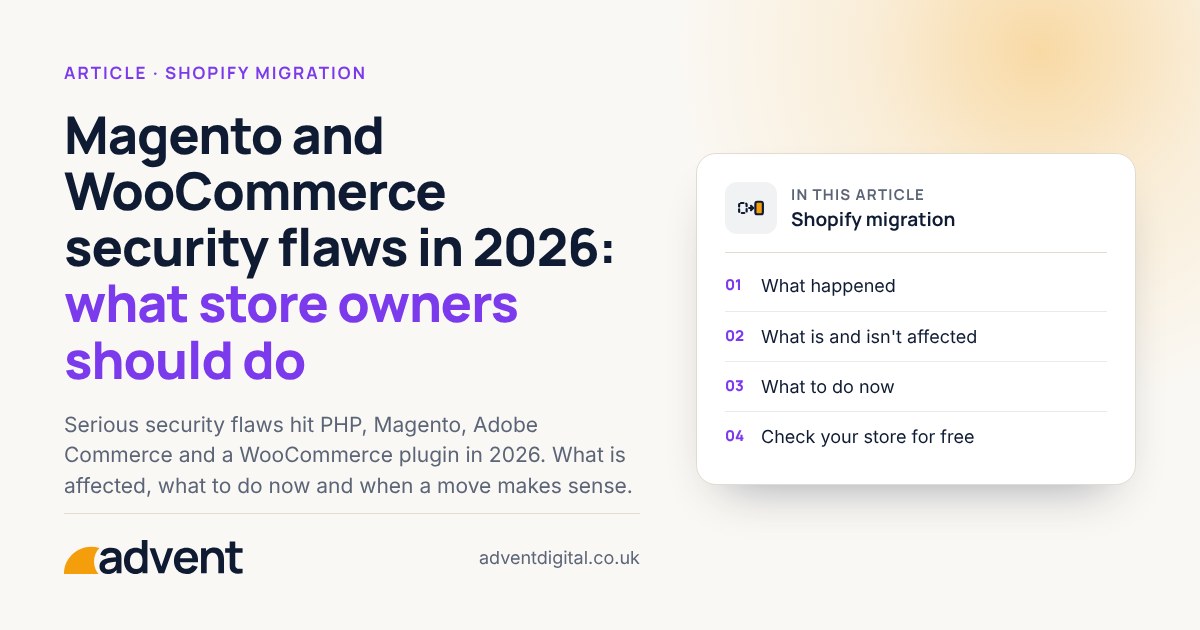
If you run a store on Magento, Adobe Commerce or WooCommerce, this is a calm guide to what has been reported and what to do about it. It does not say that any store is affected. It says what to check.
What happened
- PHP itself, “PHP2Shell” (CVE-2026-109618 and CVE-2026-109619). Two critical flaws in PHP, announced and fixed on 21 October 2026. A single request, without signing in, can let an attacker run code on the server, and every PHP installation that serves web pages is affected, so this covers WooCommerce and Magento stores alike. The fixed versions are PHP 8.2.35, 8.3.36, 8.4.27 and 8.5.12. PHP 8.1 and earlier are no longer supported, although some hosts offer their own fixes. An attempt to exploit it was recorded four days before it was announced. The UK’s National Cyber Security Centre told organisations to update immediately, and to consider taking systems offline if they couldn’t.
- Magento and Adobe Commerce, “StyleSmuggler” (CVE-2026-75650). Rated critical (CVSS 10.0). It lets an attacker run code on the server without signing in, through Magento’s template handling. It affects Adobe Commerce 2.4.4 to 2.4.9, Adobe Commerce B2B and Magento Open Source 2.4.6 to 2.4.9. The first confirmed attacks were seen on 4 September 2026. Adobe released a fix on 7 September (bulletin APSB26-146, hotfix VULN-39341), and it was added to CISA’s Known Exploited Vulnerabilities list on 8 September. Adobe’s guidance is that patching is not enough on its own: the encryption key and the credentials it protects also need to be changed.
- Magento and Adobe Commerce, “BlockStrap” (CVE-2026-103849). A separate maximum-severity flaw in the same area, fixed by Adobe on 13 October 2026 (bulletin APSB26-153). It affects Adobe Commerce and Magento Open Source up to 2.4.9 and Adobe Commerce B2B up to 1.5.3. When it was reported on 16 October, no attacks had been seen, but researchers expected them. It needs its own fix: the StyleSmuggler hotfix does not cover it.
- A Magento extension, Mirasvit Full Page Cache Warmer (CVE-2026-45247). Rated critical (CVSS 9.8). It affects versions before 1.11.12, and was added to CISA’s Known Exploited Vulnerabilities list on 3 June 2026 after attacks were seen.
- A WooCommerce plugin, Wholesale Lead Capture (CVE-2026-27540). Rated critical (9.8 by Wordfence). It lets files be uploaded without signing in, which can lead to web shells (small scripts that give an attacker access to the server). It affects versions 2.0.3.1 and earlier, and is fixed in 2.0.3.2. It was made public in March 2026, and attacks were seen from June 2026 on sites that had not updated.
What is and isn’t affected
- PHP. PHP2Shell is in PHP itself, so it matters for any store running on PHP until the server is updated. Most hosts patch PHP for you, but check: ask your host which PHP version your store runs, and whether it has the fix.
- Magento core. The first two items above are in Magento and Adobe Commerce themselves, so they matter if you run those products.
- Third-party extensions. The Mirasvit item is an extension, and the WooCommerce item is a plugin from another company (Rymera Web Co). It is not a flaw in WooCommerce core. Extensions and plugins are written by other companies and need patching separately. This is true of every platform that allows add-ons.
What to do now
- Update PHP. Make sure your server runs a fixed PHP version (8.2.35, 8.3.36, 8.4.27 or 8.5.12, or later). If your store is on PHP 8.1 or earlier, ask your host about a supported version.
- Update the platform. Apply Adobe’s patches for both Magento flaws, and update or remove the extension and plugin named above if you use them.
- Rotate credentials and keys. Change admin passwords, database passwords, API keys and the encryption key. For StyleSmuggler, Adobe says a patch alone is not enough.
- Check for web shells. Look for files that should not be there, especially in upload folders, and for admin accounts you do not recognise. If you are unsure how, ask someone who does this for a living.
- Talk to your host or a security specialist. If you think your store may have been compromised, contact them promptly and take it seriously. They can check logs, clean the site and advise on whether customers need to be told.
When a migration makes sense
Patching is the first job, and a move is not an emergency step. A migration can make sense if keeping a self-hosted store patched has become a regular strain, or if you were already thinking of moving.
We migrate data, not code. Your products, customers, orders and content move across, and everything else is rebuilt as Shopify features or reviewed apps. This matters here: migrating a store that has been compromised, without cleaning it first, can carry the problem across. If you have any concern, deal with that first, with your host or a security specialist. Our Shopify migration services page explains the process.
No platform is immune
Shopify can be affected by security problems too. Shopify hosts the store, looks after the platform itself and is certified PCI DSS Level 1 for card payments. The apps and theme you choose, who has staff access and two-step sign-in on every account stay your responsibility, whichever platform you use. We check what an app does and what data it can see before we recommend it.
Sources
Checked on 25 October 2026.
- NCSC: Critical security issue affecting PHP
- Help Net Security: PHP2Shell, CVE-2026-109618 and CVE-2026-109619
- Sansec: StyleSmuggler, CVE-2026-75650
- Rescana: StyleSmuggler added to CISA KEV, with Adobe’s credential rotation guidance
- BleepingComputer: Critical BlockStrap flaw lets hackers run code on Magento servers
- Guardian MSSP: CISA adds Mirasvit flaw CVE-2026-45247 to KEV
- Threat-Modeling.com: Mirasvit Full Page Cache Warmer, CVE-2026-45247
- SOCRadar: CVE-2026-27540 WooCommerce Wholesale Lead Capture
- OpenCVE: CVE-2026-27540
- CISA Known Exploited Vulnerabilities catalogue
- Shopify security