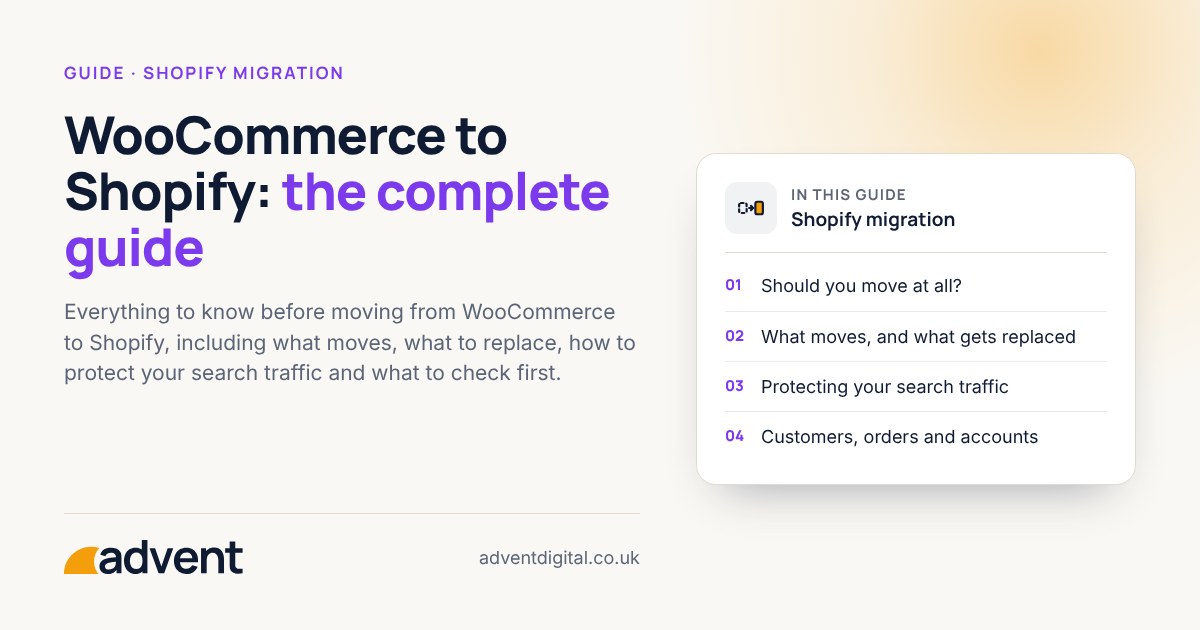
Moving a store is easier when you know what to expect. This guide walks through the whole process, from deciding whether to move to the checks you make after launch.
Should you move at all?
Moving makes sense when maintenance, speed or reliability are costing you more than the move would. It is worth comparing your real costs on both platforms before deciding.
What moves, and what gets replaced
Products, customers, orders and content can all be moved. Plugins cannot, so each one needs a Shopify app or a different approach. Make a list of every plugin you use and what it does.
Protecting your search traffic
Every old URL should point to its new home with a permanent redirect. Check them before launch, and watch your search reports closely for the first few weeks afterwards.
Make a redirect map
List every old address and the new address it should point to. Start with the pages that bring in the most visitors, then work down. Keep the list, because you will use it again when you check the redirects after launch.
Keep titles and descriptions
Carry the page titles, descriptions and headings across with each page. If search engines see the same content at the new address, rankings are far more likely to hold.
Customers, orders and accounts
Customer records and past orders can be imported, so your history stays complete. Customers set a new password the first time they sign in, because passwords cannot be moved safely.
How long it takes
It depends on the size of your catalogue and how much needs rebuilding. A small, tidy store is quicker than one with years of plugins and custom changes.
What it costs
The cost depends on the same things as the timeline: catalogue size, integrations and how much needs rebuilding. Ask for a fixed quote in writing, and check what is and is not included.
Our migrations start from £7,500. See pricing for what is included.
Before you launch
Place a test order, check your emails and confirm your payment settings. Then agree a quiet time to switch over.
After you launch
Watch your search reports and your sales closely for the first few weeks. Fix any broken links quickly, and keep your old store available until you are sure everything has moved.